

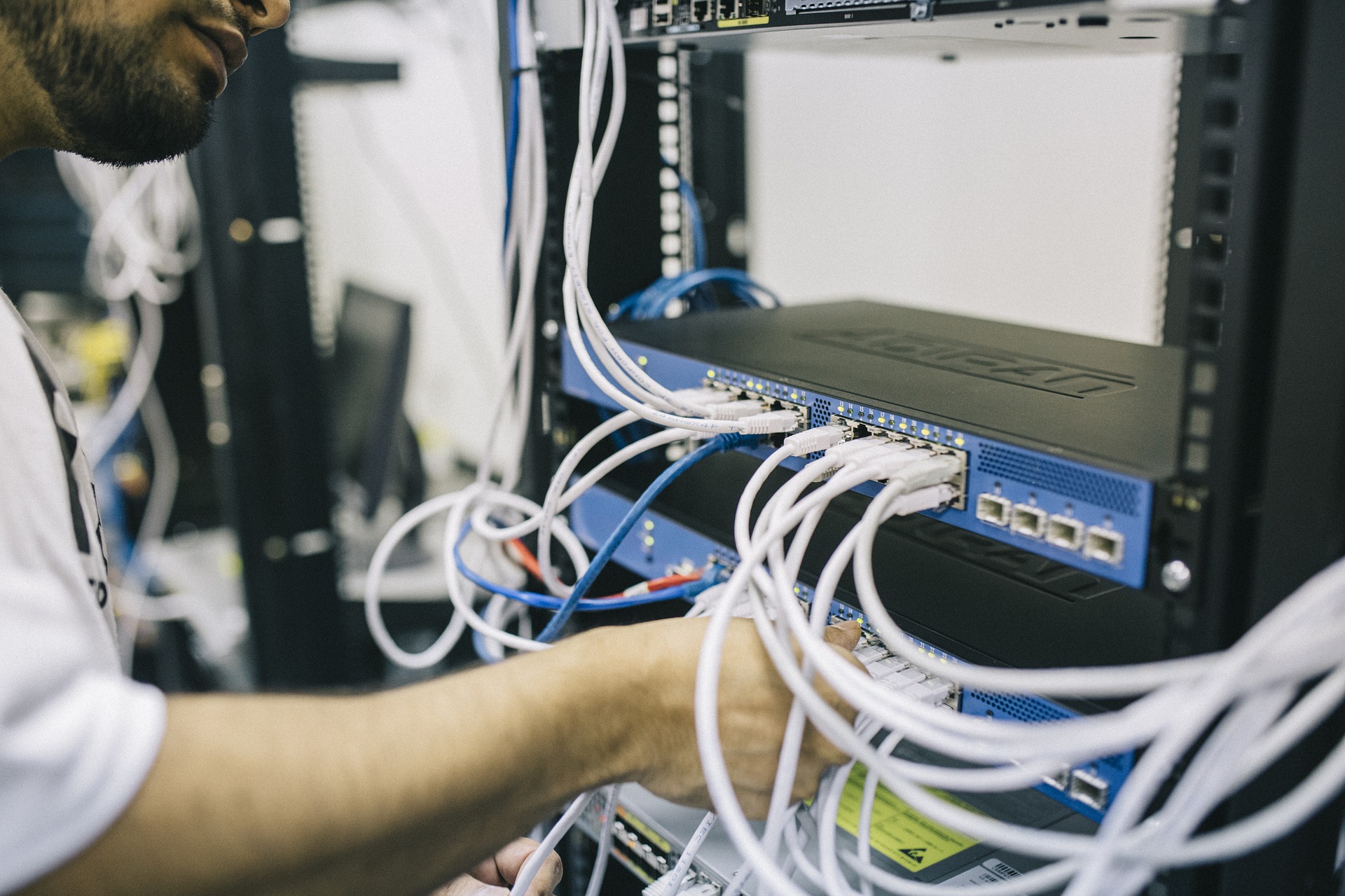


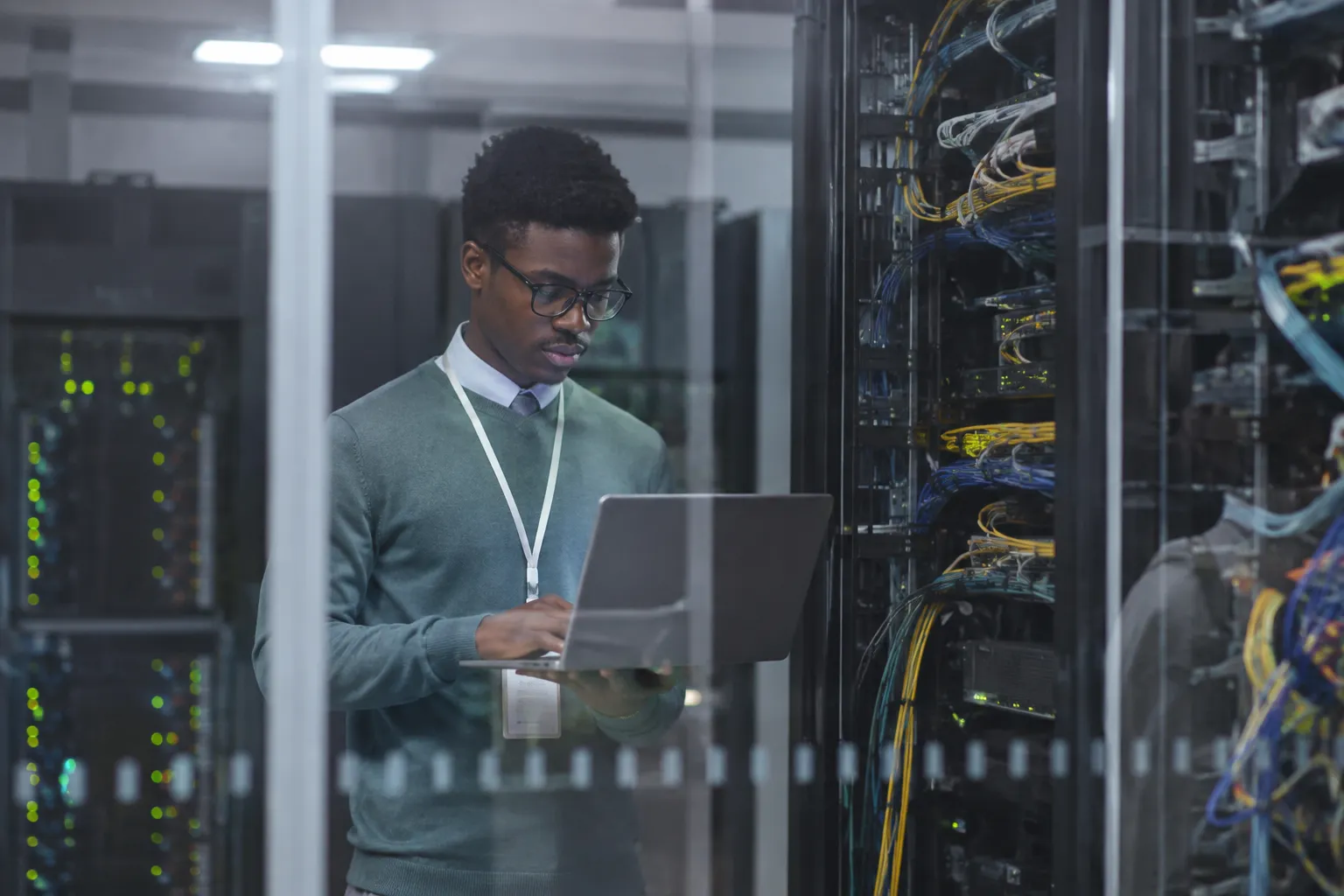
You probably know someone who has always been good with computers. They built their first PC as a teenager. They know what every cable does. When something stops working, everyone hands them their laptop.
Maybe that isn’t you. Maybe you use a computer every day but don’t know much about what happens behind the screen. You can connect to Wi-Fi and install an app. But words like routers, switches, and IP addresses still sound unfamiliar. That doesn’t mean you can’t learn computer networking.
In fact, many new students start with very little tech knowledge. The bigger question is how you respond when something doesn’t work.
- Do you get curious?
- If the internet goes down, do you wonder why?
- If a device won’t connect, will you try a few things before giving up?
That mindset matters more than knowing every computer term on your first day.
You Don’t Have to Grow Up Around Computers
Some students enter a networking class expecting everyone else to know more than they do.
That feeling can hit quickly. An instructor may mention a network switch. Another student might already know what it is. You might be sitting there wondering what a switch even looks like.
That’s normal when you’re learning something new.
You aren’t expected to walk into class knowing how a network works. That’s why you’re there.
At first, you learn basic computer networking ideas.
- What is a network?
- How do computers talk to each other?
- What does a router actually do?
Then those ideas start connecting. Think about your home internet. Your modem connects your home to an internet service. Your router helps devices connect to that service. Suddenly, something you’ve used for years starts making more sense. That first connection between a lesson and something familiar can change how you see computers. They stop feeling like mysterious boxes.
Learning Computer Networking Is More About Process Than Being a “Tech Person”
People often picture computer work as someone typing commands incredibly fast. Real troubleshooting can look much slower. A computer can’t connect to the network. You don’t immediately know why. So, you start checking.
- Is the cable connected?
- Does the computer recognize the network?
- Can another device connect?
- Is the problem with one machine or several?
You narrow the problem down. That’s a big part of learning computer networking. You don’t need to memorize every possible problem. You learn how to ask useful questions. And sometimes the answer is surprisingly simple. A cable might be loose. A setting might be wrong. A device may need to be restarted. Other problems take more work. Either way, you learn to avoid guessing. You check one thing, see what happens, and keep going.
The First Time a Network Actually Makes Sense
There can be a point during class when networking stops looking like a bunch of computer networking terms. You might be working with devices in a lab. You’ve connected cables and changed settings. At first, you’re following instructions. Then something doesn’t work. You check the setup. You notice one setting is wrong and fix it. The connection works. That little moment matters.
You didn’t just follow directions. You found the problem. Students often build confidence through moments like that. They solve one small issue. Then another. A problem that would have seemed impossible a few weeks earlier becomes something they know how to approach.
That’s how technical skill starts to feel real.
What If You Aren’t Good at Math?
This question comes up often. Computer networking does involve numbers. You’ll see IP addresses, subnet masks, and other number-based concepts. But you don’t need to be a math expert. What matters is learning what those numbers mean and how they’re used. An IP address, for example, identifies a device on a network. Once you understand its purpose, the numbers aren’t quite as strange.
Some topics may take repetition. You might understand something during class and forget part of it later. Then you work through another example and it comes back. That’s part of learning.
Nobody expects you to look at an IP address on your first day and understand everything about it.
You’ll Probably Get Something Wrong
At some point, you’re going to configure something incorrectly. Good. That’s often where the useful learning starts. Maybe two devices won’t communicate. You check your work and find the wrong IP address. Now you’ve seen what that mistake looks like. The next time you see the same problem, you have somewhere to start.
Labs give you room to make those mistakes while you’re still learning. Reading about a network problem is one thing. Sitting in front of equipment that refuses to work is different. You have to figure out what happened. And when you do, you remember it.
You Start Learning the Language
Technical terms can make networking sound harder than it is. Router. Switch. Protocol. DNS. DHCP. IP address. At first, those terms may blend together. Then you start hearing them repeatedly. You use them during class. You see them in labs. Your instructor explains why they matter. After a while, you stop translating every term in your head.
Think about learning the language at a new job. On your first week, people use names and terms you’ve never heard. A few weeks later, you’re using those same words without thinking about them. Networking can feel similar. You don’t memorize an entire technical dictionary before you begin. You learn the words as you use them.
Asking Questions Is Part of Learning Computer Networking
Some students hesitate to ask questions because they think everyone else understands. Usually, someone else has the same question.
- “What does that cable connect to?”
- “Why did that device get this IP address?”
- “Why can this computer connect but that one can’t?”
Those are useful questions. They show you’re trying to understand what is happening instead of copying steps. And networking gives you plenty of chances to ask “why?” Sometimes you can complete a task by following instructions. But understanding why it worked helps you solve the next problem. That’s the difference between repeating a process and learning it.
You May Already Have Skills That Transfer
You might know more about troubleshooting than you think. Maybe you’ve connected a game console to Wi-Fi or you’ve helped a family member set up a printer. Maybe you’ve searched online after your laptop stopped connecting to the internet. Those experiences aren’t the same as formal network work. But the thought process may be familiar.
Something isn’t working. You gather information. You try a fix. You check the result.
That habit matters. Even jobs outside tech can build useful habits. Someone who has worked in a restaurant may be used to handling several problems at once. A retail worker may already know how to explain things to frustrated people. Those skills can show up again when you’re helping someone who can’t connect to a network.
Technical Skills Aren’t the Whole Job
Imagine someone tells you, “My internet doesn’t work.” That doesn’t give you much information.
You need to ask questions.
- What are they trying to connect?
- Did it work earlier?
- Are other people having the same problem?
- Did anything change?
The person may not know the technical words. That’s fine. Your job is to get useful information without making them feel stupid. This is where people who don’t see themselves as “computer people” can surprise themselves. Knowing how to talk to people matters. You may understand the technical problem. But you still have to explain what happened in normal language.
Practice Changes How You See Computer Problems
Before studying computer networking, an error message can feel like a dead end. After some practice, you may start seeing it as a clue. A connection fails. Instead of thinking, “I don’t know computers,” you start thinking, “What should I check first?” That’s a very different reaction.
You may still need help. You may still have to look something up. People who work with computers do that too. The goal isn’t to know everything. It’s knowing how to approach a problem you haven’t seen before.
Frequently Asked Questions (FAQs) about Learning Computer Networking
Do I need my own computer for a computer networking program?
Computer access will be important for coursework and practice. Ask CyberTex what computer access is provided and what you may need at home.
Can I learn computer networking while working a job?
Many students have work or family duties while attending school. Before enrolling, ask about class schedules and weekly time needed outside class.
How long does it take to learn computer networking?
You can start learning basic network concepts within your first classes. Building stronger skills takes continued classwork, lab practice, and experience solving network problems.
Do I need to know how to build a computer before starting?
No. Building a computer and learning computer networking are different skills. You can begin learning networks without knowing how to assemble a PC.
What jobs can I apply for after learning computer networking?
New graduates may look at jobs such as help desk technician, network support technician, or computer support specialist. Job titles and requirements vary by employer.
Want to Learn More?
Ready to become a network engineer? IT careers have become essential not just in Austin but globally, and there is no better time to pick up than now. In 2021, Austin was ranked #1 in Best Tech City for IT jobs by CompTIA, and the demand is only growing.
Ready to start a rewarding and challenging career in IT as a network engineer? The Network Engineer Program at CyberTex prepares you for advanced computer networking & security jobs. You will learn the skills and abilities to set up, install, configure, repair, and manage modern computer networks and their security.
Contact us today to learn more about our Network Engineer program.